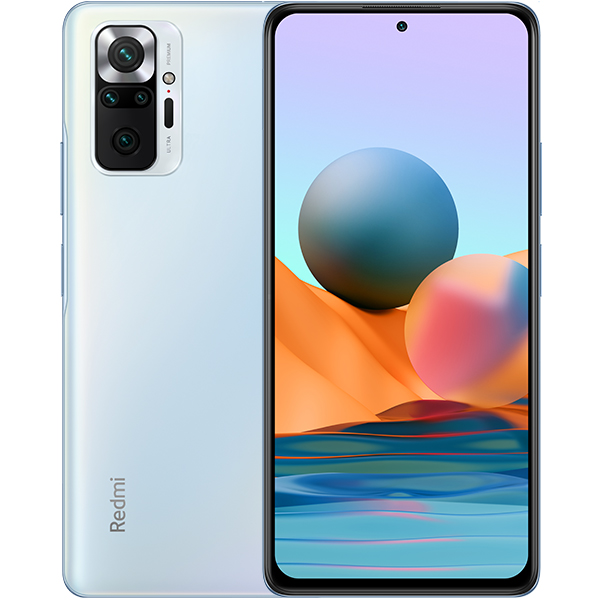
 and my Redmi Note 10 Pro
 . I have gotten it on other devices as well ofcourse but never on my
iPhone 7. Today I will be attempting to install GNU/Linux on my
iPhone 7 (or not 🙃).
. I have gotten it on other devices as well ofcourse but never on my
iPhone 7. Today I will be attempting to install GNU/Linux on my
iPhone 7 (or not 🙃).
I have gotten GNU/Linux (as I like to call it) on various other
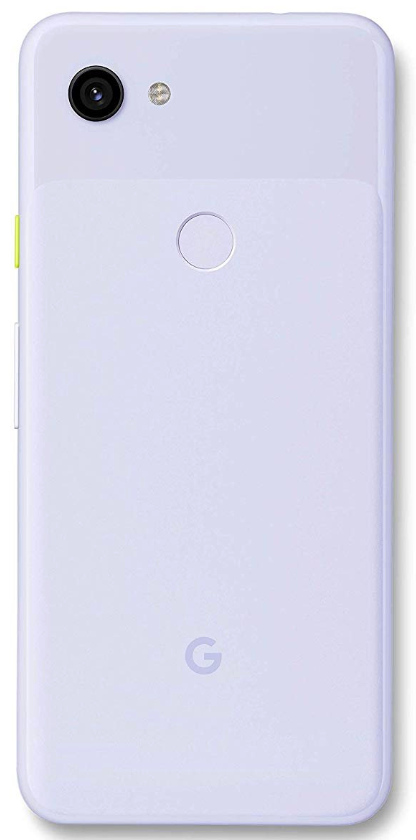
computers such as my Pixel 3a
and my Redmi Note 10 Pro
. I have gotten it on other devices as well ofcourse but never on my
iPhone 7. Today I will be attempting to install GNU/Linux on my
iPhone 7 (or not 🙃).
This part actually is NOT that hard but I will still write it down here incase anybody doesn't know what to pick. Most of the time, when you have a device that doesn't commonly have GNU/Linux support, the first place to look is the PostmarketOS Website. So, that is exactly what I did, and (not to my surprise) it was on the site.
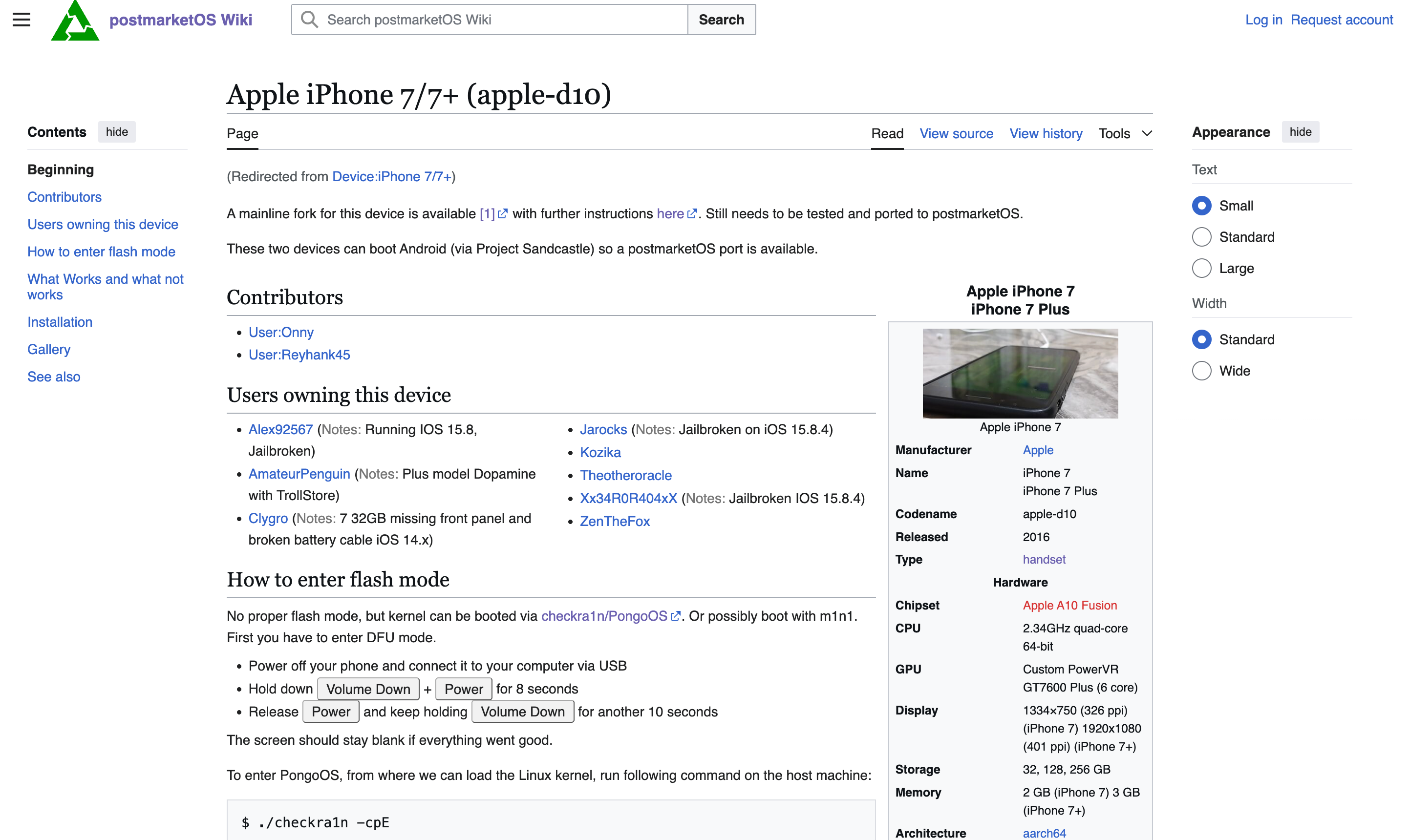
But wait a second, since the last time I researched this, they have added a new link to further instructions.
Well, if you DO open the URL, it links to https://github.com/HoolockLinux/docs. Hoolock Linux is a project dedicated to bringing Linux to A series Apple Silicon. So, anyway, back to installing GNU/Linux on my iPhone 7.
So, you first have to go to the setup guide. Just follow the guide over there. Exceptttttttttt it didn't work :c. Yes, I am writing this as I am trying to do this 😭.
I came across this writeup andddddd well, no luck with that either 💔. Tomorrow I plan to make another post where I hopefully get a bit further.